

TL;DR:
- Handy Markets offers the most comprehensive all-in-one monitoring for US traders with multi-asset coverage and diverse alert channels. Most alternatives specialize in specific tools like technical analysis, on-chain research, or market data, requiring multiple platforms for full functionality. Building a modular stack with dedicated tools improves performance and reduces reliance on single dashboards for active trading workflows.
If you’re looking for krypto.markets alternatives, the short answer is this: Handy Markets is the most direct all-in-one replacement for US traders, covering real-time crypto prices, multi-channel alerts (Telegram, Discord, Slack, SMS, Webhook, and Email), and a customizable dashboard across crypto, stocks, forex, and commodities. Pair it with one or two specialist tools and you have a stack that outperforms any single dashboard.
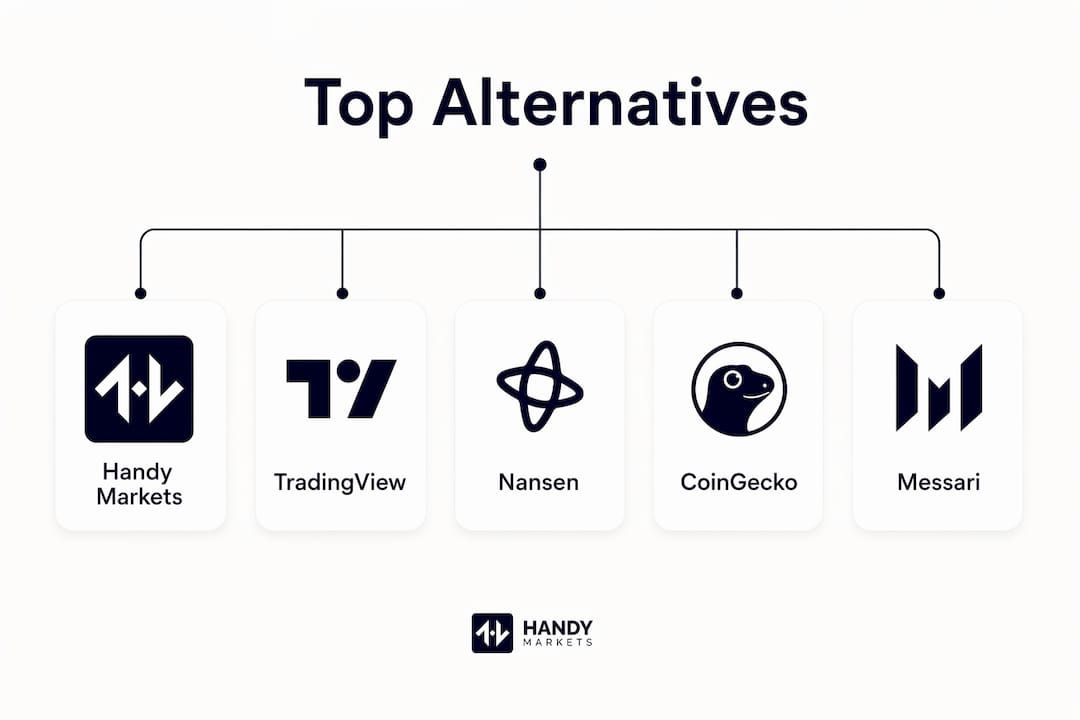
Here’s the shortlist:
- Handy Markets — best all-in-one monitoring dashboard for US traders; covers every major asset class with multi-channel alerts and no complex setup
- TradingView — best for advanced charting and technical analysis; the go-to for traders who live on candlestick patterns and indicators
- Nansen — best for on-chain smart-money tracking; wallet labeling and entity analytics for data-driven DeFi traders
- Arkham Intelligence — best for wallet investigation and on-chain entity mapping; strong for tracking institutional flows
- CoinGecko — best free price aggregator; broad token coverage with a generous API free tier
- CoinMarketCap — best for market-cap rankings and token discovery; widely used as a baseline price reference
- Messari — best for institutional-grade research and token fundamentals; deeper narrative than a raw price feed
- CoinStats — best for portfolio tracking and tax reporting; connects to exchanges and wallets in one view
Start with Handy Markets for monitoring and alerts, then add TradingView for charting or Nansen for on-chain research depending on your workflow.
Table of Contents
- How do the top krypto.markets alternatives compare?
- What does each alternative actually do?
- How do you pick the right alternative for your trading style?
- How do you build a modular trading stack from scratch?
- Key Takeaways
- What experienced traders know about switching dashboards
- Handy Markets is ready when you are
- Useful sources and further reading
How do the top krypto.markets alternatives compare?
Krypto.markets is a lightweight AI-driven dashboard built around Binance WebSocket feeds, TradingView-style charts, drag-and-drop layout, and a command palette. It’s fast and minimal. What most traders need, though, is broader asset coverage, reliable alert routing, and API access that survives a frontend change.
| Platform | Primary purpose | Data coverage | Real-time latency | Alert channels | API access | Free tier | US available |
|---|---|---|---|---|---|---|---|
| Handy Markets | All-in-one monitoring + alerts | Crypto, stocks, forex, indices, ETFs, commodities | Real-time | Telegram, Discord, Slack, SMS, Webhook, Email | Yes | Yes | Yes |
| TradingView | Advanced charting | Crypto, stocks, forex, futures | Real-time (paid) | Email, SMS, Webhook, Telegram | Yes | Yes (limited) | Yes |
| Nansen | On-chain analytics | ETH, EVM chains, Solana | Near real-time | Email, Telegram | Yes | No | Yes |
| Arkham Intelligence | Wallet/entity tracking | BTC, ETH, multi-chain | Near real-time | Yes | Yes | Yes | |
| CoinGecko | Price aggregator | 10,000+ tokens | ~1–5 min (free tier) | None native | Yes | Yes | Yes |
| CoinMarketCap | Market-cap rankings | more than 10,000 tokens | ~1–5 min (free tier) | None native | Yes | Yes | Yes |
| Messari | Research + fundamentals | — | Delayed (free) | Yes | Limited | Yes | |
| CoinStats | Portfolio tracker | — | Real-time (paid) | Push, Email | Yes | Yes | Yes |
Price aggregators like CoinGecko and CoinMarketCap are central data sources for large token coverage, but their free-tier API rate limits mean third-party dashboards can lag on spot price refreshes. For traders who need faster, more reliable alert delivery, a dedicated monitoring platform like Handy Markets closes that gap.
What does each alternative actually do?
Handy Markets
Handy Markets aggregates live prices across crypto, stocks, forex, indices, ETFs, and commodities in a single customizable dashboard. The standout feature is its alert system: you can route price alerts to Telegram, Discord, Slack, SMS, Webhook, or Email with minimal setup. For US traders replacing a lightweight crypto dashboard, it’s the most direct swap because it covers more asset classes without requiring a separate tool for each. Start at handy.markets/cryptocurrencies to set up your first crypto watchlist.
TradingView
TradingView is the standard for technical analysis. Its charting library covers crypto, equities, and forex with hundreds of built-in indicators, Pine Script for custom strategies, and alert routing via Email, SMS, Webhook, and Telegram. The free tier limits simultaneous alerts and chart layouts; the Pro tier ($14.95/month) unlocks more. A practical trading stack often pairs TradingView for charting with a separate monitoring tool for price alerts.
Nansen
Nansen tracks wallet activity, token flows, and smart-money movements across Ethereum, Solana, and other EVM chains. Its wallet labels identify exchange wallets, funds, and known traders, letting you follow institutional positioning in near real-time. Pricing starts around $150/month, with no meaningful free tier. Best for DeFi traders and analysts who need to understand who is moving tokens, not just what prices are doing.
Arkham Intelligence
Arkham maps on-chain entities to real-world identities, tracking BTC and multi-chain wallet flows. Its Intel Exchange lets users buy and sell wallet intelligence. The free tier gives basic access; deeper data requires credits or a paid plan. Useful for traders investigating large wallet movements or tracking exchange reserves.
CoinGecko
CoinGecko covers more than 10,000 tokens with a free public API. It’s the go-to for token discovery and broad market-cap data. The free API tier has rate limits that can slow dashboard refreshes, but the CoinGecko Pro API offers faster polling for a monthly fee. No native alert system, so pair it with a monitoring layer.
CoinMarketCap
CoinMarketCap is the most widely recognized price reference for market-cap rankings and token listings. Its API powers many third-party dashboards. Like CoinGecko, it lacks native alert channels, making it a data source rather than a monitoring tool on its own.
Messari
Messari focuses on research: token fundamentals, protocol metrics, and analyst reports. Its free tier is limited; the Pro plan unlocks screeners, API access, and full research archives. Best for traders who want narrative context alongside price data, not a replacement for real-time monitoring.
CoinStats
CoinStats connects to exchanges and wallets via API to give a unified portfolio view with performance tracking and basic tax reporting. Real-time data requires a paid plan. It’s the natural complement to a monitoring tool like Handy Markets when you want both alerting and portfolio performance in one workflow.
Pro Tip: For alert routing and webhooks, always verify that your monitoring platform supports webhook delivery before committing. A webhook-enabled service lets you pipe alerts into Slack, Discord bots, or custom scripts without depending on a single frontend.
How do you pick the right alternative for your trading style?
Pick by primary workflow first: monitoring and alerts, technical charting, on-chain research, or portfolio tracking. Most traders need two tools, not one.
- Define your primary use case. Are you watching prices and setting alerts? Doing technical analysis? Tracking on-chain flows? Each need maps to a different tool category.
- Check real-time latency. Free-tier APIs on aggregators often update every 1–5 minutes. If you trade on short timeframes, you need a platform with genuine real-time feeds.
- Verify alert channels. Telegram, Discord, and Webhook support are non-negotiable for traders who want alerts outside a browser tab. Email-only alert systems are too slow for volatile markets.
- Confirm US availability and compliance. US-focused traders often prioritize regulated, compliant platforms for custody and execution. For monitoring tools, check that the service operates without geo-restrictions in the US.
- Test the API before paying. Request a sample endpoint, check rate limits, and read the uptime SLA. Opaque pricing or undocumented rate limits are red flags.

The single biggest mistake traders make when switching dashboards is optimizing for features they rarely use. Pick the tool that handles your most frequent action — checking a price, firing an alert, reading a chart — in the fewest steps. Everything else is secondary.
Red flags to avoid: no public API documentation, no webhook or Telegram support, unclear data sources, and pricing that requires a sales call for basic tiers.
How do you build a modular trading stack from scratch?
A modular best-of-breed stack consistently outperforms a single do-it-all platform because each tool is optimized for one job. Here’s a practical three-part setup:
- Monitoring layer (Day 1, under 30 minutes). Set up Handy Markets as your price dashboard. Build a crypto watchlist, configure at least one price alert, and route it to Telegram or a webhook endpoint. This replaces krypto.markets directly.
- Execution layer (Day 1–2, 1–2 hours). Open an account on a US-regulated exchange (Coinbase, Kraken, or Gemini are common choices for US traders). Keep execution separate from monitoring to avoid single-service outages affecting both.
- Portfolio and research layer (Week 1, 1–2 hours). Add CoinStats for portfolio tracking or Messari for research. Connect via API key so your positions update automatically.
Pro Tip: Separating monitoring from execution reduces slippage risk. When your alert fires, you execute on a dedicated exchange rather than through the same frontend — so a dashboard outage never locks you out of a trade.
| Stack tier | Tools | Setup time | Typical monthly cost |
|---|---|---|---|
| Basic | Handy Markets + one exchange | Under 1 hour | — |
| Intermediate | Handy Markets + TradingView Pro + CoinStats | 2–4 hours | — |
| Advanced | Handy Markets + TradingView + Nansen + CoinStats | 4 hours | around $150/month |
Key Takeaways
Handy Markets is the most direct all-in-one replacement for krypto.markets for US traders, covering real-time multi-asset data and six alert channels with minimal setup.
| Point | Details |
|---|---|
| Lead with monitoring | Handy Markets covers crypto, stocks, forex, and more with Telegram, Discord, Slack, SMS, Webhook, and Email alerts. |
| Add charting separately | TradingView handles advanced technical analysis better than any all-in-one dashboard. |
| On-chain needs a specialist | Nansen or Arkham Intelligence are purpose-built for smart-money and wallet tracking. |
| Modular stacks win | A three-layer setup (monitoring, execution, portfolio) outperforms any single platform for active traders. |
| Verify API and webhooks first | Platforms without public API docs or webhook support create fragile, hard-to-automate workflows. |
What experienced traders know about switching dashboards
The conventional wisdom says “find one platform that does everything.” In practice, that advice leads traders to compromise on the feature that matters most to their actual workflow. A charting platform with mediocre alerts is a poor substitute for a dedicated monitoring tool, and vice versa.
The smarter move is to treat your monitoring layer as infrastructure: stable, API-first, and alert-rich. Handy Markets fits that role well because it covers multiple asset classes and routes alerts through six channels, so you’re not rebuilding your notification setup every time a niche dashboard goes offline. The on-chain analytics tools (Nansen, Arkham) are genuinely irreplaceable for DeFi research, but they’re not monitoring tools. Trying to use them as a price dashboard is like reading a research report when you need a smoke alarm.
One caution worth naming: over-automating alert thresholds creates noise. Set too many alerts and you start ignoring them, which defeats the purpose entirely. Start with three to five high-conviction price levels, test your webhook routing, and expand from there.
Handy Markets is ready when you are
Most traders switching away from a lightweight crypto dashboard want the same three things: real-time prices across multiple assets, alerts that reach them wherever they are, and a setup that takes minutes rather than days. Handy Markets delivers all three without a steep learning curve.
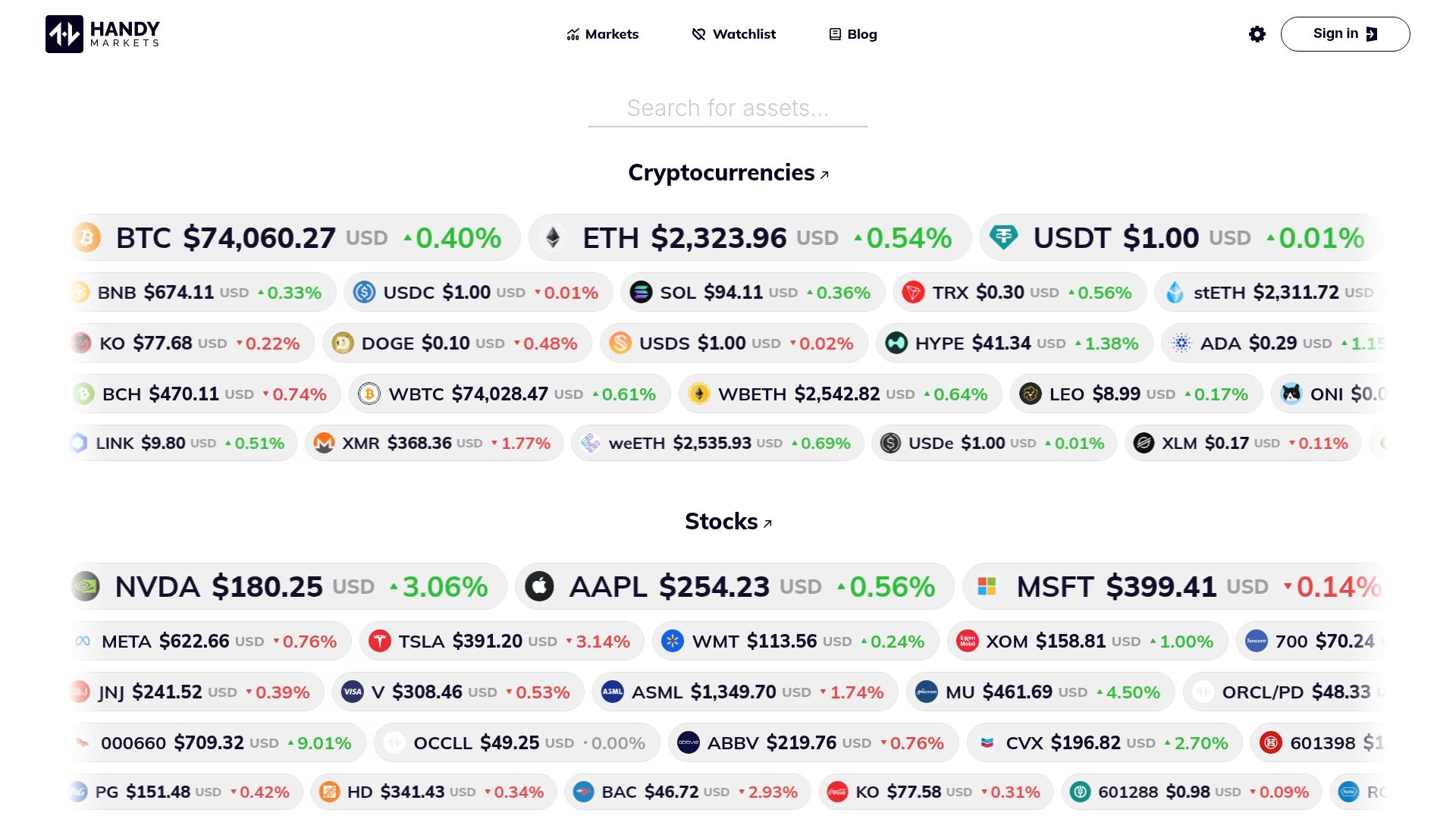
The onboarding takes three steps: create your account at handy.markets/markets, build a watchlist with your key crypto and multi-asset positions, then route your first price alert to Telegram or a webhook. You’ll have a working monitoring layer before your next trading session. For traders who also want to explore alternative dashboard options before committing, the blog covers detailed comparisons across similar platforms.
Useful sources and further reading
The sources below back the claims in this article and give you the primary documentation to dig deeper into APIs, feeds, and exchange selection.
| Source | Best for |
|---|---|
| Handy Markets crypto page | Live crypto prices, charts, and alert setup |
| Apify Crypto Price Tracker | Pay-per-result feed pricing and CoinMarketCap/Messari comparisons |
| Memeburn crypto tools list | Tested stack combinations and tool category comparisons |
| Investopedia crypto exchanges | US exchange selection, security, and compliance guidance |
| Krypto.markets Hacker News thread | Original feature list and architecture of krypto.markets |
| Savings Grove exchange guide | Side-by-side exchange comparison for US traders |
- For API rate limits and uptime SLAs, check each platform’s official developer documentation directly; these change frequently and published third-party summaries can lag.
- For feed pricing, the Apify Crypto Price Tracker page gives a useful real-world comparison of pay-per-result versus subscription models.
- For CoinDesk alternatives and broader market-data dashboard options, the Handy Markets blog covers additional comparisons across similar platforms.
This article is general information for educational purposes, not financial or investment advice. Confirm platform availability, pricing, and compliance details directly with each provider before making decisions for your own situation.