


Setting up timely alerts and monitoring market data across asset classes is often slowed down by fragmented sources and channels that require separate configuration for each asset or notification method. Some platforms lock advanced analytics, integration options, or cross-channel alerts behind steep price tiers or opaque onboarding processes, leaving traders and financial teams with more manual steps than insights. This comparison shows which market data and alert tools fit your need for price tracking, signal automation, and integration flexibility so you can pick the one that reduces setup time without sacrificing coverage.
Table of Contents
Handy.Markets
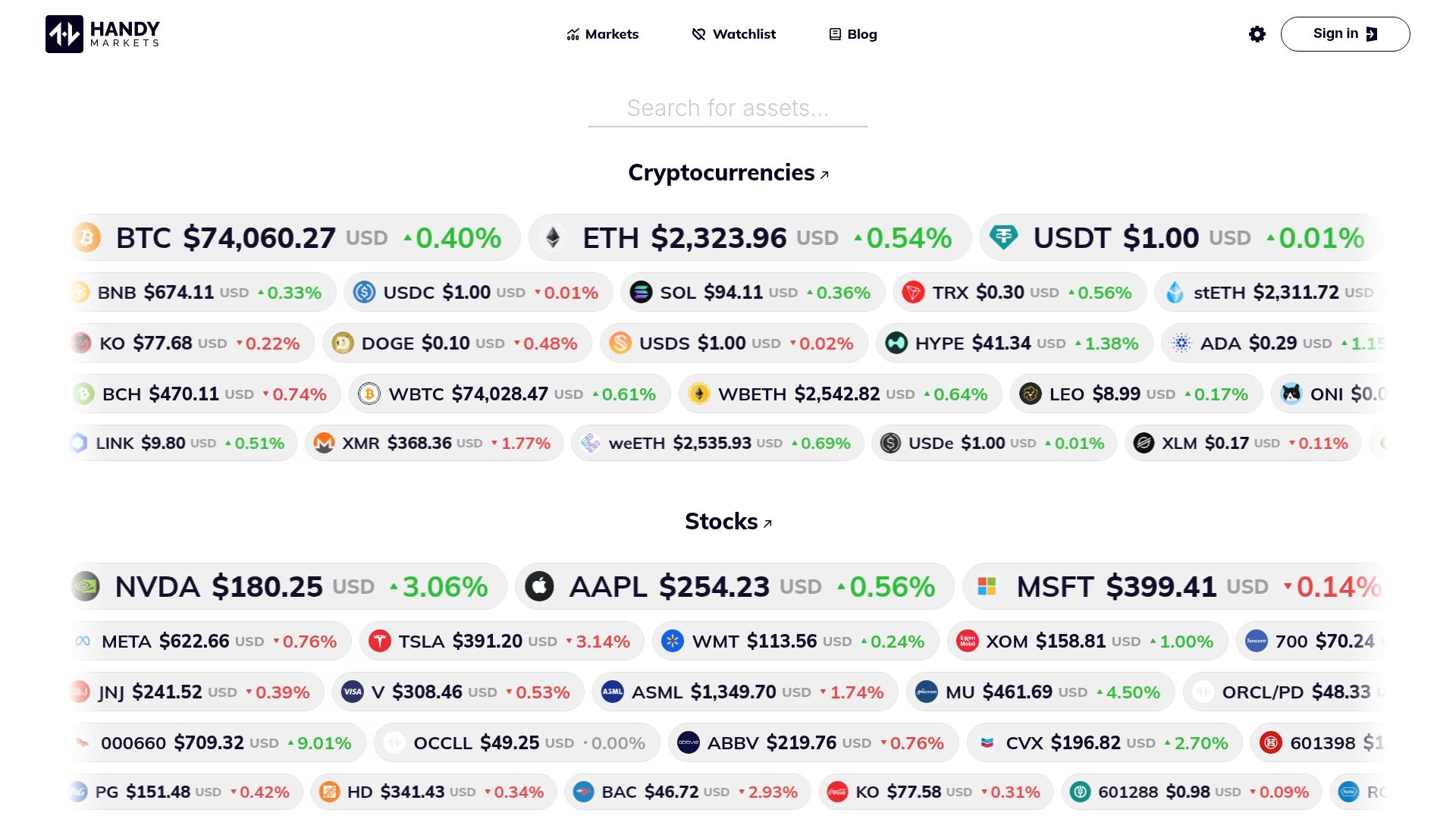
At a Glance
Set a single price alert and receive it on Telegram, Discord, Slack, SMS, Webhook, or Email without wiring separate integrations. Handy.Markets aggregates live quotes for crypto, stocks, commodities, indices, ETFs, and fiat pairs and shows them in one view.
Basic tracking works without registration while portfolio tools and API access require an account or subscription. The site does not provide direct trading or brokerage services.
Core Features
- Real-Time Price Tracking for cryptocurrencies, stocks, commodities, indices, ETFs, and currencies sourced from exchanges.
- Custom notifications across multiple channels so you can route the same alert to Telegram, Slack, Email, SMS, or a Webhook.
- Portfolio management tools with lightweight tracking and performance views available once you sign in.
- Access to APIs and embeddable widgets for businesses that need machine-readable feeds or site widgets.
- Market analysis, how-to guides, and a blog that explain price moves and setup options.
Key Differentiator
Handy.Markets combines multi-asset live prices and multi-channel alerts in a single setup. Instead of managing separate feeds and integrations, you configure assets and thresholds once and then push notifications to the channels your workflow already uses.
That focus on one-stop monitoring reduces the friction of watching crypto, equities, and FX at the same time.
Pros
- Centralizes tracking across asset classes so you do not need a separate crypto site and a separate equities feed to watch positions.
- Real-time updates come from exchange sources, which keeps quote freshness high for routine monitoring.
- The interface is straightforward enough that an investor can add a symbol and start watching without reading documentation.
- No registration needed for basic price checks and alerts, which lowers the barrier for quick monitoring and shareable watchlists.
- Multi-channel alert support lets financial advisors and traders forward the same trigger to clients, a Telegram group, or an automated order system via Webhook.
Cons
- Limited analytical depth beyond price and alert functionality. If you need in-depth technical indicators, backtesting, or factor analysis you will need a separate analytics platform.
Notable Integrations
- Telegram
- Discord
- Slack
- Webhook
- SMS
These are native delivery channels for alerts rather than one-off add-ons. Use an existing chat or notification channel and receive the same price trigger everywhere.
Who It’s For
Traders, investors, and small to medium financial teams who need a low-friction way to monitor price moves across crypto, stocks, and FX. Good for advisors who run client alerts and for businesses embedding live prices or pushing alerts into Slack or Webhook endpoints.
Not intended for firms that require execution, advanced analytics, or audited market data feed contracts.
Unique Value Proposition
Send one alert configuration to every channel your desk uses. Handy.Markets lets you define thresholds for multiple asset classes and deliver that single trigger to Telegram, Slack, Email, SMS, and Webhook without rebuilding the rule for each channel.
That single-configuration model trims manual work when you monitor dozens of tickers and need consistent distribution to traders, clients, and automation endpoints. For teams that prioritize fast, distributed alerting over in-platform order routing, this changes how monitoring is organized.
Real World Use Case
A crypto trader sets alerts for Bitcoin and Ethereum midmorning. When a preset percentage move occurs the alert fires to the trader’s Telegram group, the trader’s Slack channel, and a Webhook that logs the event in a spreadsheet. The trader sees the move, discusses it with a colleague, and records a decision without switching screens.
Website: https://handy.markets
MRKT
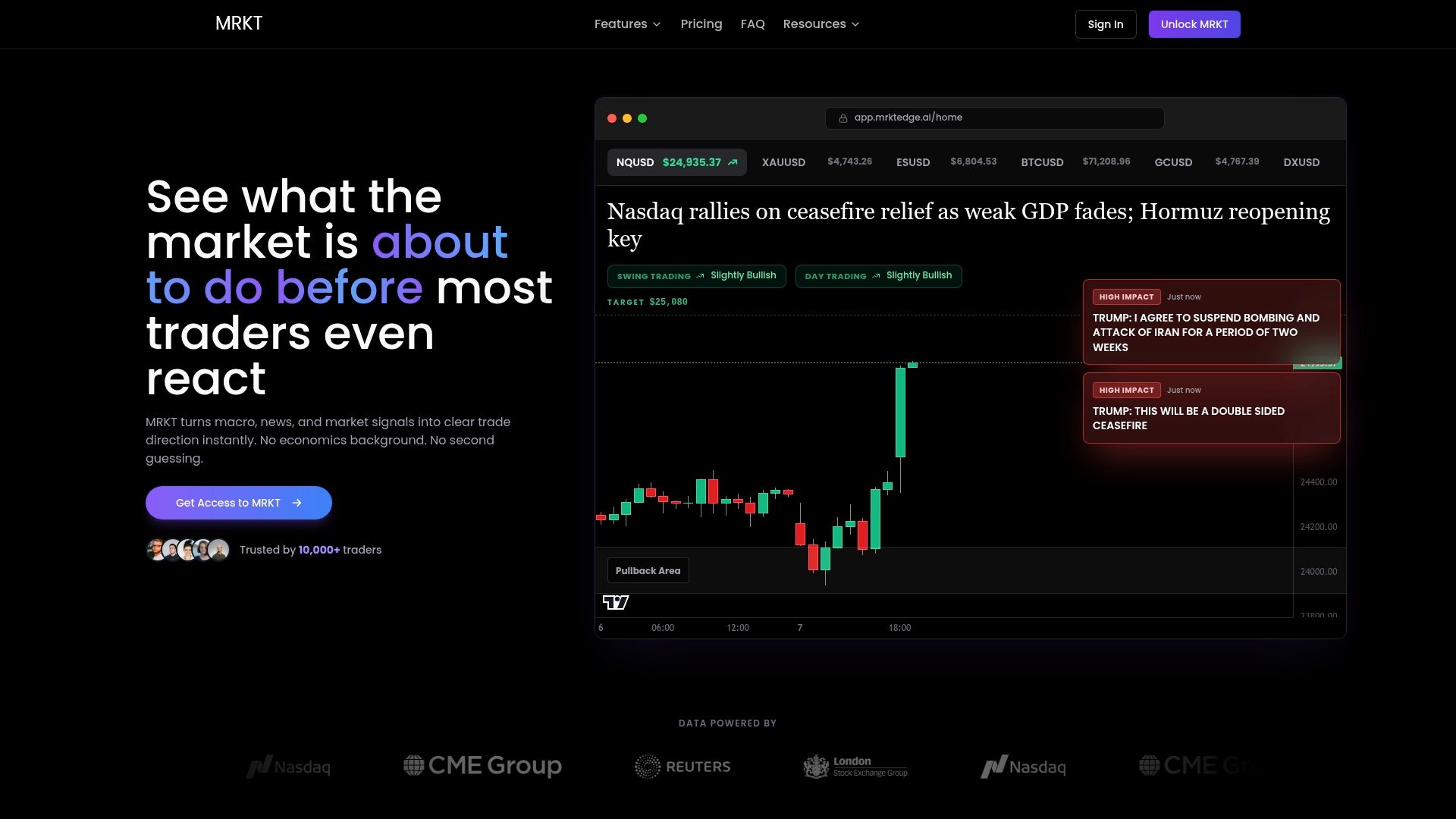
At a Glance
Transforms raw macro, institutional, and fundamental data into clear trade signals with no coding required. MRKT combines macro impact analysis, capital flows parsing, COT divergence detection, and rule-based backtesting into a single real-time feed aimed at active traders.
Core Features
- AI-driven market impact insights that translate macro releases and central bank moves into directional bias across asset classes.
- Fundamental backtesting with multi-condition rules so you can test economic event responses under regime filters.
- Capital flows analysis aggregating ETF flows, options positioning, and cross-asset signals into one dashboard.
- COT report analysis with divergence detection and an economic calendar showing institutional forecast ranges and shock flags.
- Global markets dashboard and a daily macro-based market bias summary for major markets.
Key Differentiator
MRKT’s core claim is that it turns complex macro and institutional datasets into usable trade signals without requiring scripting. That focus narrows the product to traders who want institutional perspective without building pipelines. The tradeoff is depth over turnkey simplicity for novice-only workflows.
Pros
- Signals combine macro, fundamentals, and institutional flows, giving a single place to evaluate cross-asset drivers rather than chasing separate spreadsheets.
- The backtesting engine supports multi-condition rules tied to economic regimes, which speeds hypothesis testing for event-driven strategies.
- Capital flows modules reduce manual parsing of ETF and options data, saving hours each week for active managers.
- Real-time alerts and daily bias summaries help you react to regime shifts faster than waiting for end-of-day reports.
- Interface is designed for traders, with tables and charts that map events to market reactions instead of raw data dumps.
Cons
- The economic calendar and news feed can be noisy and inconsistent for some users, creating alert fatigue if settings are not tuned.
- Cost is higher than basic technical tools, which may put it out of reach for budget-conscious retail traders.
- The platform’s breadth creates a learning curve; traders new to macro and institutional signals will need time to interpret outputs correctly.
- Alert volume can be overwhelming at first, requiring deliberate filtering to avoid signal overload.
When It May Not Fit
If you trade purely by price action and do not use macro or flow data, MRKT adds little value and may feel cluttered. Traders on tight budgets who need only simple technical indicators will find the pricing heavy. Also avoid it if you cannot commit time to learn signal interpretation.
Who It’s For
Active retail traders and macro oriented investors who want institutional grade analytics without coding. Suited to traders who run event driven or macro based rules, want to incorporate COT and ETF flows, and are willing to invest time into configuring alerts.
Real World Use Case
A trader backtests how EUR/USD reacts to FOMC rate decisions when combined with COT positioning and dollar trend regimes. After validating the rule statistically, they run it live to identify setups where policy shocks and positioning align for higher probability trades.
Pricing
Monthly plan lists at $49.99, billed annually as $499.99 which amounts to roughly $41.67 per month and reflects a 17% discount for annual billing. Trial options were not specified in the product data.
Website: https://mrktedge.ai
TrendSpider
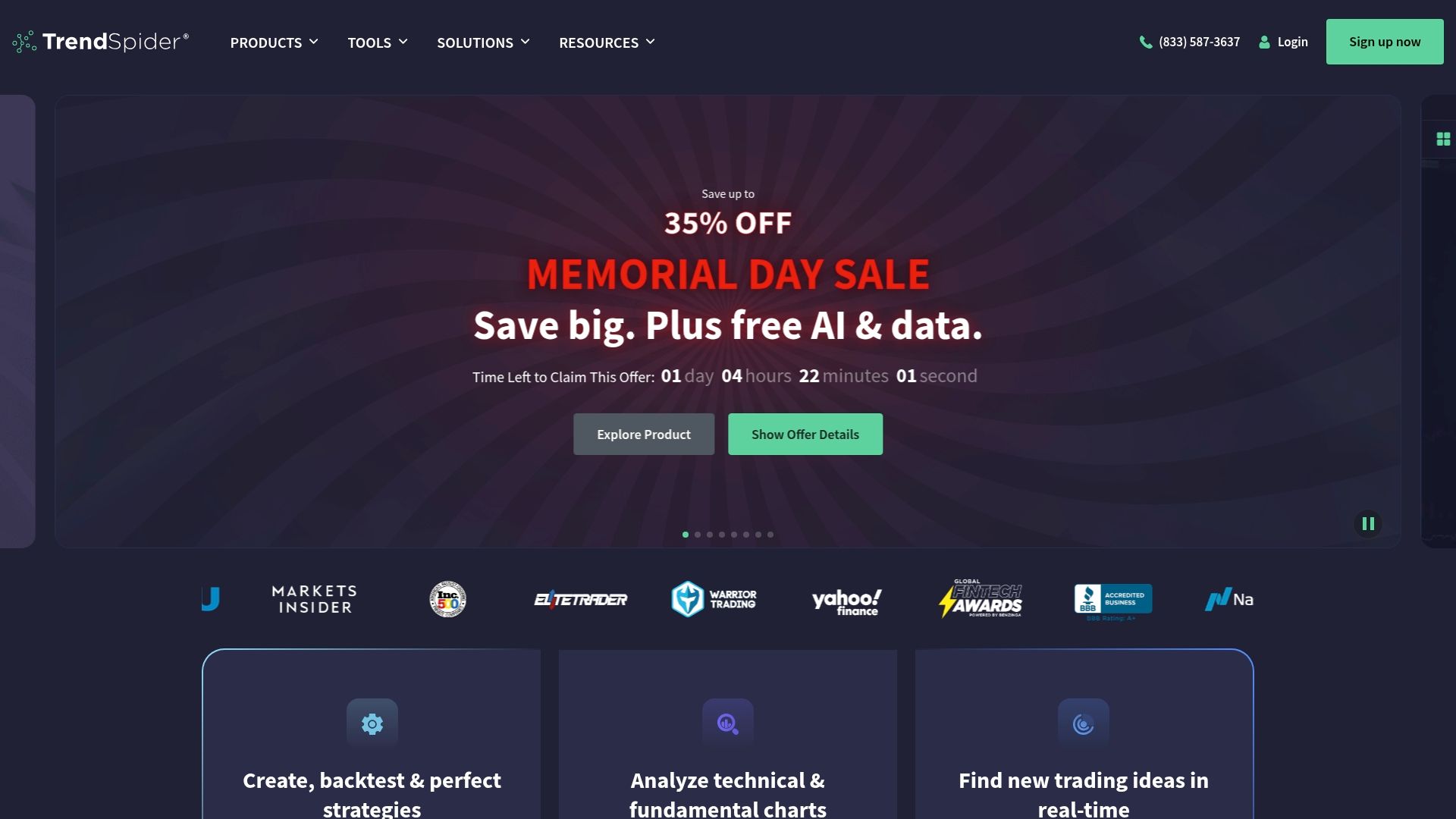
At a Glance
Cloud-based order execution bots that require no user coding are a standout feature of TrendSpider. The platform pairs those bots with an AI trading assistant and multi-timeframe pattern recognition to help active traders automate signals and test ideas quickly.
Core Features
- Automated pattern recognition and multi-timeframe analysis that flag setups across stocks, crypto, forex, futures, and options.
- Backtesting and strategy testing using extensive historical data and scenario overlays for walk-forward checks.
- Market scanners for technical and fundamental screening, plus alert automation and cloud-based order execution.
- Custom indicator creation via code or guided AI assistance, and an on-chart AI assistant for chat-based chart review.
Key Differentiator
TrendSpider’s edge is its emphasis on combining on-chart automation with conversational assistance. The platform bundles automation workflows, scanners, and a chat-style trading assistant called Sidekick so traders can describe a hypothesis in plain language and iterate without writing code.
Pros
- Institutional-grade charting and scripting tools make complex setups reproducible across thousands of symbols, which speeds hypothesis validation.
- The Sidekick assistant reduces friction for non-programmers by interpreting chart context and suggesting indicator tweaks.
- Strategy testing taps long historical windows, helping you iterate entry, exit, and risk rules before committing capital.
- Cloud alerts and execution bots mean your automation runs even when your workstation is offline; that matters for overnight and fractional-tick strategies.
- The platform covers multiple asset classes, so you can reuse a pattern or bot across equities, crypto, and forex without switching vendors.
Cons
- The learning curve is steep; mastering multi-timeframe scans, rule chaining, and backtest hygiene requires serious time investment.
- Some scanner filters do not auto-refresh as traders expect, and certain scan scopes feel constrained compared with native exchange feeds.
- Educational videos and onboarding content have uneven production quality, which leaves gaps for traders trying to move from demo to live.
- Mobile UI and app features lag desktop capability and have shown issues after some updates.
When It May Not Fit
If you are a casual investor who wants simple alerts and an app that requires zero setup, TrendSpider will feel heavy. Teams that need out-of-the-box resource planning or integrated time tracking will find missing pieces.
Who It’s For
Active traders, quant researchers, and institutional analysts who need automated screening, advanced backtesting, and cloud execution tied to AI-assisted strategy design. Not ideal for beginners who prefer a shallow feature set and minimal setup time.
Real World Use Case
A quant fund backtests decade-long strategies inside TrendSpider, uses Sidekick to prototype signal rules, and deploys cloud bots to execute across ETFs and blue-chip stocks. Real-time alerts keep traders informed while automation handles execution windows.
Pricing
Marketing materials list packages that start as low as $139.10 per month with a promotional discount for advanced tiers. Enterprise and institutional-grade plans carry higher fees and gate some advanced features behind premium plans.
Website: https://trendspider.com
MarketAlerts
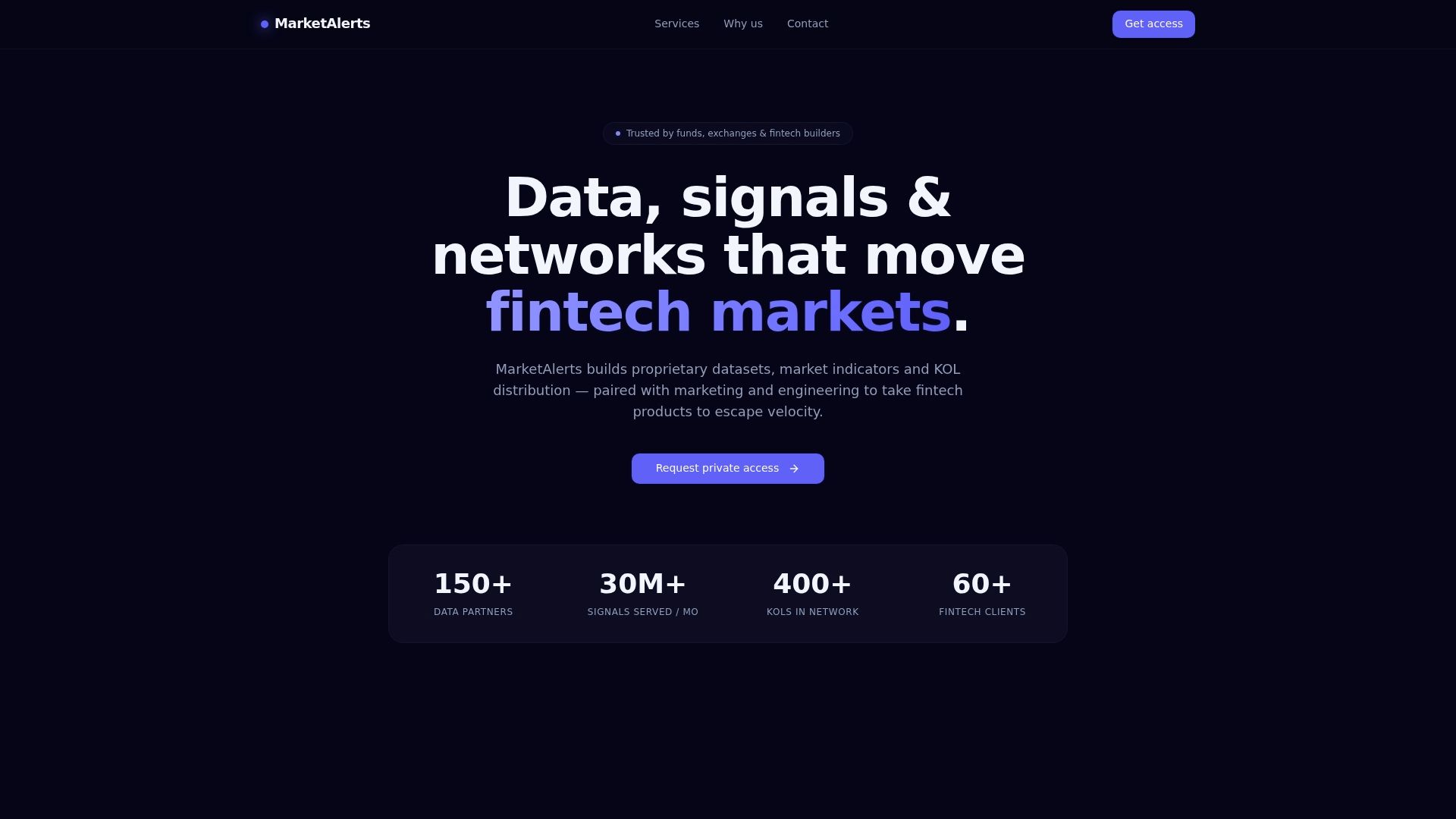
At a Glance
MarketAlerts advertises a full data-to-distribution pipeline that combines proprietary datasets, benchmarked market indicators, and a curated KOL network for fintech markets. The vendor frames that stack as a single engagement that pairs data engineering with go-to-market execution.
Core Features
- Proprietary datasets for alpha discovery and backtesting delivered with lineage and licensing clarity.
- Market indicators built by quants and available via API, dashboards, or webhooks.
- Curated KOL network with reach and conversion metrics for influencer-led campaigns.
- Full-stack growth services covering positioning, content, and community management.
- Engineering pods for trading infrastructure, dashboards, smart contracts, and UI delivery.
Key Differentiator
That pipeline approach ties data production, signal development, engineering, and influencer distribution under one vendor relationship. For teams that want fewer handoffs, the model reduces integration work and compresses timelines by aligning deliverables and go-to-market plans with the same operational team.
Pros
- Full pipeline service reduces vendor coordination. Having data, engineering, and marketing under one roof simplifies roadmaps and shortens launch cycles.
- The operational team uses outputs daily rather than delivering static reports. That usage focus tends to produce indicators that map to execution needs.
- Benchmarked indicators come with lineage and license-clean data, which helps legal and quant teams accelerate backtesting.
- Engineering pods are described as fast to integrate, useful when you need a production dashboard or live feed implemented quickly.
- The curated KOL network adds a measurable distribution channel when you need to drive awareness or conversions for a fintech release.
Cons
- Public product documentation appears limited and the website shows page errors, which makes feature validation slow.
- No publicly available user reviews or third-party testimonials to corroborate performance or delivery quality.
- Pricing is not transparent; you must contact the vendor for a bespoke quote, which slows procurement cycles for smaller teams.
- The offering blends consulting and product work, so scope and handoffs can feel high touch and may require active vendor management.
When It May Not Fit
If you require a plug-and-play market data feed with detailed public docs and self-serve pricing, MarketAlerts may not match your procurement needs. The combined service model can be overkill for teams that only want a raw API feed or who lack bandwidth to manage an integrated engagement.
Who It’s For
Fintech firms, trading desks, and product teams that need proprietary signals plus hands-on engineering and marketing support. Best for groups planning product launches that depend on both custom data pipelines and coordinated distribution efforts.
Real World Use Case
A fintech startup engaged MarketAlerts to supply indicators and build a custom trading dashboard integrated into their platform. The same engagement provided KOL distribution for the launch, accelerating user acquisition while the engineering pod delivered the real-time feed.
Pricing
Pricing is not publicly available and the vendor requests contact for bespoke quotes. Expect a tailored commercial proposal rather than listed tiers, especially for engagements that include engineering and marketing services.
Website: https://marketalerts.com
Jellydator

At a Glance
A no code visual editor that wires Google Trends, social sentiment, and exchange APIs into automated trading strategies without writing a line of code. The platform offers a free tier and paid plans starting at $14.99 per month.
Core Features
- Real time market data and trade execution across consolidated exchange feeds for live orders and fills.
- Build automated strategies using a visual editor that supports backtesting, performance tracking, and risk rules.
- Custom alerts triggered by sentiment shifts, chart patterns, volume spikes, or search trend changes.
- Portfolio management across exchanges, plus performance dashboards and common technical indicators.
- Multiple data sources including Google Trends, social media sentiment, and ETF holdings for signal enrichment.
Key Differentiator
The platform’s visual editor lets you assemble multi-step strategies graphically while pulling in nonprice signals like social sentiment and search trends. That combination makes it faster to prototype strategy ideas than wiring scripts or relying only on price indicators.
Pros
- Simple onboarding and a clean interface reduce setup time for first strategies, which helps traders who do not code learn by doing.
- Support for multiple major crypto exchanges lets you run a single automation across Coinbase, Binance, and others without manual reconciliation.
- Responsive customer support reported by users helps when you are connecting API keys or troubleshooting an execution rule.
- The mix of backtesting, risk management tools, and real time analytics gives you evidence to refine rules before you trade live.
- Free plan available so you can test strategy building and alerts before committing to a paid tier.
Cons
- Limited third party review data means there is less public feedback to vet edge cases or long term reliability.
- Some listed exchange integrations are marked as coming soon, so exact availability may vary by plan and timing.
- Advanced features and higher data limits are gated behind paid tiers, which can constrain heavy strategy testing on the free plan.
When It May Not Fit
If you require an audited performance track record or extensive independent reviews, this product’s public footprint is smaller than mature incumbents. If your workflow depends on an exchange not listed or on enterprise compliance guarantees, this may not match your needs today.
Notable Integrations
- Binance
- Coinbase
- KuCoin
- OKX
- Bitget
Who It’s For
Crypto traders of all experience levels who want an intuitive, no code way to build, backtest, and automate strategies while blending sentiment and trend data with price signals. Good for traders who manage assets across multiple exchanges.
Real World Use Case
A trader wires Binance and Coinbase accounts to Jellydator, builds a visual strategy that buys on trend reversals confirmed by rising social sentiment, backtests the rule set, and sets alerts for ETF flow spikes to pause execution during abnormal events.
Pricing
Free plan available. Paid plans start at $14.99/month for Standard and $19.99/month for Pro, with optional custom plans for heavier data or enterprise needs.
Website: https://jellydator.com
Comparing Market Data and Alert Tools
Selecting a market data and alert tool requires careful consideration of each platform’s strengths and limitations. The analysis below highlights the differences between the tools mentioned in terms of key functionality and use-case alignment, helping you make a well-informed decision.
Alert Customization and Support for Multiple Channels
Handy.Markets excels in enabling users to set a single alert that can be dispatched simultaneously across a broad spectrum of platforms, including Telegram, Discord, Slack, SMS, Webhook, and email. This unique approach significantly streamlines the distribution of dynamic trading signals across versatile communication ecosystems. In contrast, other platforms such as MRKT and Jellydator also support alerts but do so with channel-specific limitations or without Handy.Markets’ centralized configuration ease.
Advanced Analytical Features
While Handy.Markets focuses on rapid data distribution and usability without the need for registration, its analytical tools are less for advanced users. MRKT provides in-depth macroeconomic analysis, options positioning, and backtesting capabilities, making it particularly suitable for professional traders who rely on detailed insights and data-driven strategies. Similarly, TrendSpider offers AI-assisted strategies and automated order execution, useful for automating technical analysis processes but potentially overwhelming for beginners due to a steeper learning curve.
Best Fit Scenarios
- Handy.Markets: Ideal for traders and investors who require quick, cross-asset alerts delivered to multiple communication platforms without needing intricate configuration and advanced analytics.
- MRKT: Suited for macro-focused traders and investors who need access to combined institutional data insights and analysis tools without the complexity of building algorithms manually.
- TrendSpider: Designed for quant-focused users and institutions seeking advanced script-driven automation and multi-asset class strategy testing.
Our Pick
Handy.Markets stands out for its integrated, user-friendly alert distribution system, significantly convenient for traders who prioritize efficient monitoring and interaction across different platforms. However, for users with specific requirements such as advanced macroeconomic analysis or coding-based automation, options like MRKT or TrendSpider may provide better alignment. Handy.Markets offers the perfect balance of clarity and accessibility, proficiently catering to the needs of multitasking traders and teams.
Market Data and Alert Platforms Compared
To determine the best platform for managing multi-asset price monitoring and alert configurations, consider the following comparison of top solutions.
| Platform | Core Feature | Key Differentiator | Best For | Notable Limitation |
|---|---|---|---|---|
| Handy.Markets | Multi-asset price monitoring and alerts | One-alert configuration for multiple channels | Traders and investors needing multi-asset monitoring | Limited depth for advanced analytics |
| MRKT | Macro and institutional trade signals | AI-driven insights combining flow and economic data | Active retail traders utilizing macro strategies | Pricing is higher than basic tools |
| TrendSpider | Automated pattern recognition | Cloud bots for execution and on-chart AI assistance | Advanced traders needing technical analysis automation | High starting cost with a steep learning curve |
| MarketAlerts | Integrated Market alerts and services | Full-stack data and distribution integration | Fintech firms requiring integrated signals and support | Lack of transparency with bespoke pricing slowing procurement |
| Jellydator | No-code strategy visual editor | Google Trends and sentiment data integration for automated trading | Cryptocurrency traders leveraging multi-exchange setups | Some integrations not yet available |
Discover a Smarter Way to Track Markets Beyond marketahead.com Alternatives
If managing multiple alerts and live prices across crypto, stocks, and FX feels overwhelming, Handy offers a unified solution. With real-time price tracking and alerts delivered simultaneously to Telegram, Slack, Email, SMS, and Webhook, you avoid rebuilding notifications for each channel. This means you can stay on top of critical market moves without juggling separate feeds or integrations.
Experience how Handy lets you set alerts for all asset classes in one simple interface so you never miss vital market shifts. Get started now at Handy.markets and take control of your market monitoring with multi-channel alerts that keep you connected and informed.
FAQ
How does Handy.Markets provide real-time price tracking?
Handy.Markets offers real-time price tracking for a variety of assets, including cryptocurrencies and stocks. This capability aggregates live quotes from exchanges, ensuring that users have access to fresh data for their decision-making. To start tracking prices without registration, simply create an account or subscription for advanced features.
What is the difference between Handy.Markets and MRKT in terms of market analysis?
MRKT excels in providing AI-driven market impact insights that translate macroeconomic data into trade signals. In contrast, Handy.Markets focuses on real-time price tracking and multi-channel alerting for price movements. If your priority is to get institutional-grade analytics without needing coding, consider MRKT, but for streamlined price monitoring, Handy is the better fit.
Which platform provides custom notifications across multiple channels better, Handy.Markets or TrendSpider?
Handy.Markets excels at delivering custom notifications across channels like Telegram, Slack, and Email. TrendSpider primarily offers automation tools for trading strategies but does not focus on delivering alerts through as many channels. If you need a broader range of notification options, Handy is the more suited choice.
Can I access portfolio management tools without registration in Handy.Markets?
No, you need to register for an account to access portfolio management tools on Handy.Markets. Basic tracking does not require registration but using portfolio features does, providing a structured way to manage your investments.
How does the pricing of Handy.Markets compare with Jellydator?
Handy.Markets offers basic price checks and alerts without registration, while Jellydator’s paid plans start at $14.99 per month for its features, including a free tier for beginners. If you want to test features without a commitment, Handy.Markets allows you to start monitoring right away without initial costs.