


Set up price alerts easily for free
Setting up price alerts helps you monitor important market moves without being tied to your screen. Price alerts can support both active trading and long-term investing by helping you stay aware of meaningful price changes as soon as they happen.
Key benefits:
- Save time: No need to monitor charts continuously.
- React faster: Receive instant notifications when the market meets your conditions.
- Reduce missed opportunities: Stay informed when an asset reaches important levels.
- Track multiple scenarios: Set different alerts for breakouts, reversals, pullbacks, and momentum moves.
- Stay flexible: Receive alerts through your preferred delivery channels.
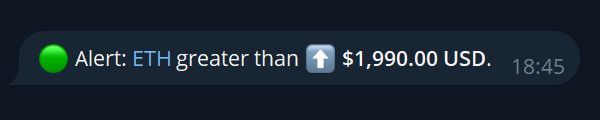
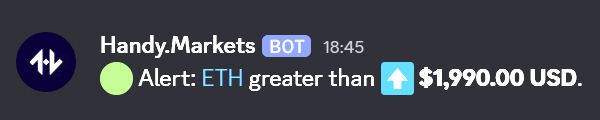
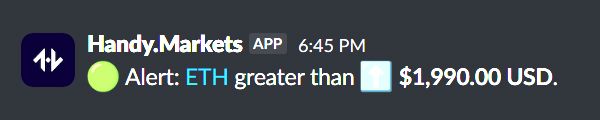
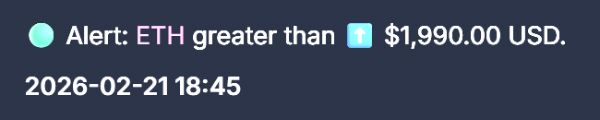
How Handy.Markets Alerts Looks Like:
Types of Price Alerts on Handy.Markets
Handy.Markets offers several types of price alerts so you can track the market in the way that best fits your strategy:
Greater Than
Less Than
Crossing Up
Crossing Down
Crossing
Moving Up
Moving Down
Changes
Moving Up %
Moving Down %
Changes %
Ways to Receive Price Alerts
Handy.Markets lets you receive alerts through the communication channels that fit your workflow. Whether you prefer messaging platforms, direct notifications, or automation tools, you can choose the delivery method that works best for you.
Available delivery methods:
This flexibility makes it easier to stay connected to the market and receive alerts wherever you are.
How to Set Up Custom Price Alerts in 4 Simple Steps:
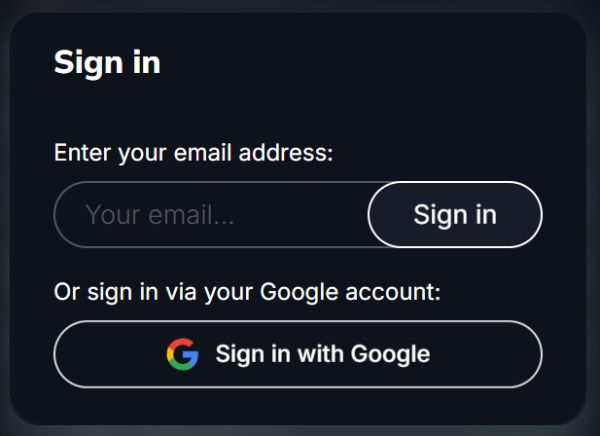
Step 1: Sign in on the Handy.Markets:
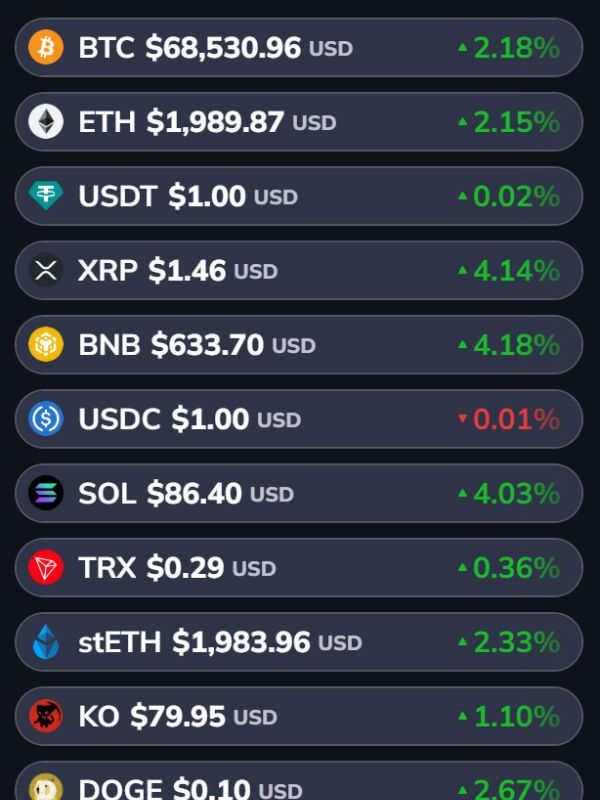
Step 2: Select desired asset and click on it:
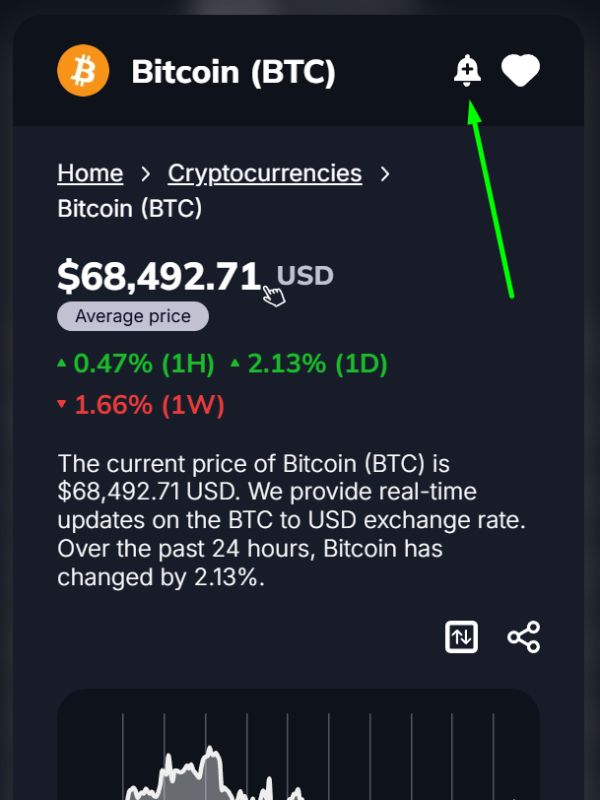
Step 3: Click on "Create Alert" button:
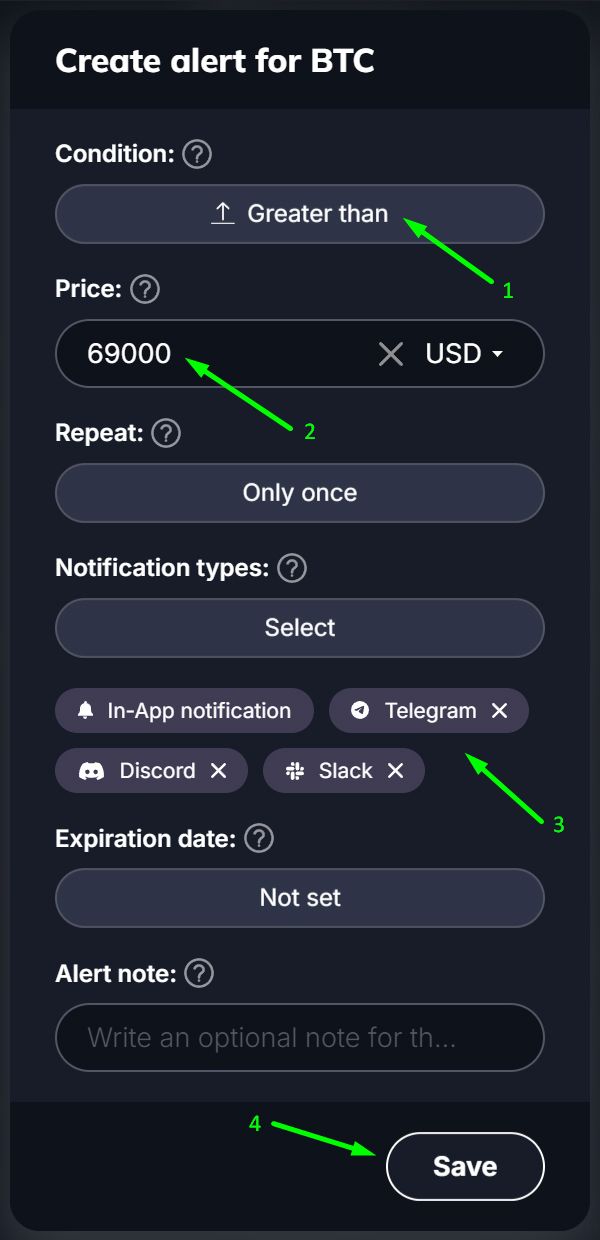
Step 4: Set alert parameters and save it:
Why Use Handy.Markets for Price Alerts?
Handy.Markets is built to help users create flexible, reliable, and easy-to-manage alerts for financial assets across crypto, forex, stocks, ETFs, commodities, and indices. Here are just a few reasons to choose Handy.Markets for alerts:
⚡ Instant Notifications. A delayed alert is a useless alert. Our infrastructure is optimized for low-latency data processing, ensuring you receive the notification the moment the condition is met.
🎛️ Flexible & Customizable Settings. One size does not fit all. Create complex logic for your alerts. Set one-time alerts for key events or recurring alerts for daily support and resistance levels.
♾️ Unlimited Amount of Alerts. We don't cap your potential. Unlike competitors who limit free users to 5 or 10 alerts, Handy.Markets allows you to create as many price monitors as you need to cover your entire portfolio.
🌍 All Markets in One Place. Stop switching between different apps for different assets. Track crypto, stocks, forex, commodities, ETFs, and indices from a single unified dashboard. Diversify your tracking without diversifying your tools.
FAQ
What is a price alert?
A price alert is an automated notification sent when an asset reaches a target price or changes by a specified amount or percentage.
Why should I create a price alert?
Price alerts help you monitor important market moves without checking charts manually all the time. They can help you react faster and avoid missing key price events.
Can I set both upward and downward alerts?
Yes, Handy.Markets supports alert types for upward movement, downward movement, crossing levels, and changes in both directions.
What is the difference between Greater Than and Crossing Up?
Greater Than triggers when the price becomes higher than a specified level. Crossing Up triggers specifically when the price moves from below that level to above it.
What is the difference between Less Than and Crossing Down?
Less Than triggers when the price becomes lower than a level. Crossing Down triggers when the price moves from above that level to below it.
Should I use fixed-price alerts or percentage alerts?
It depends on your strategy. Fixed-price alerts are useful for exact levels, while percentage alerts are useful for tracking relative movement from the current market price.
How can I receive alerts?
You can receive alerts through Telegram, Discord, Slack, Email, SMS, Web Push, and Webhook integrations.
Can I create multiple alerts?
Yes, you can create multiple alerts for different price levels, movement sizes, and market scenarios.