
Missing a price move by just a few minutes can cost you a trade you spent days planning. Markets pulse with opportunities and risks around the clock, and without a reliable system for live price tracking, you’re always reacting instead of acting. This guide walks you through exactly what you need, how to set everything up, how to avoid the most common mistakes, and how to verify your system is actually working. Whether you follow stocks, crypto, forex, or commodities, the principles here apply across every market you care about.
Table of Contents
- What you need to follow live market prices
- Step-by-step: Setting up live price tracking and alerts
- Avoiding common pitfalls and mistakes
- Verifying alerts and adjusting your strategy
- The often-overlooked reality of live market alerts
- Upgrade your trading with instant alerts and live prices
- Frequently asked questions
Key Takeaways
| Point | Details |
|---|---|
| Set up custom alerts | Tailored app notifications are essential for real-time market action without constant monitoring. |
| Use reliable platforms | Choose tools that offer multi-market live data and trustworthy alerts. |
| Refine your strategy | Regularly review and adjust your alert thresholds to improve decision-making efficiency. |
| Avoid alert overload | Too many notifications can hinder trading; focus on quality signals. |
What you need to follow live market prices
Before diving into the how-to steps, let’s make sure you have everything needed. The foundation of live market tracking is surprisingly simple, but getting it right matters more than most traders realize.
Essential hardware and connectivity
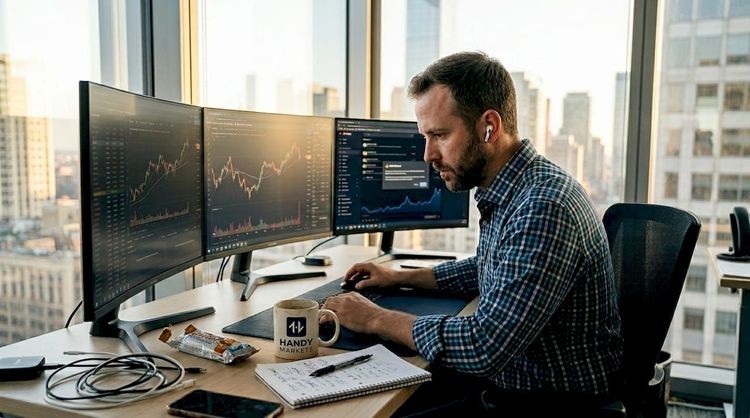
You don’t need a six-monitor trading desk to follow live prices effectively. A reliable smartphone or PC with a stable internet connection is enough to start. What you do need is consistency: a slow or intermittent connection can cause data lags that make your alerts meaningless. If you’re trading actively, a wired connection or strong Wi-Fi is worth prioritizing.
Choosing the right data feeds and platforms
Not all price data is created equal. Free platforms often carry a 15-minute delay, which is practically useless for active trading. Reliable real-time data typically comes from broker platforms, dedicated market apps, or financial data aggregators. For a deeper look at what separates quality feeds from lagging ones, the real-time market data guide covers the key distinctions clearly.
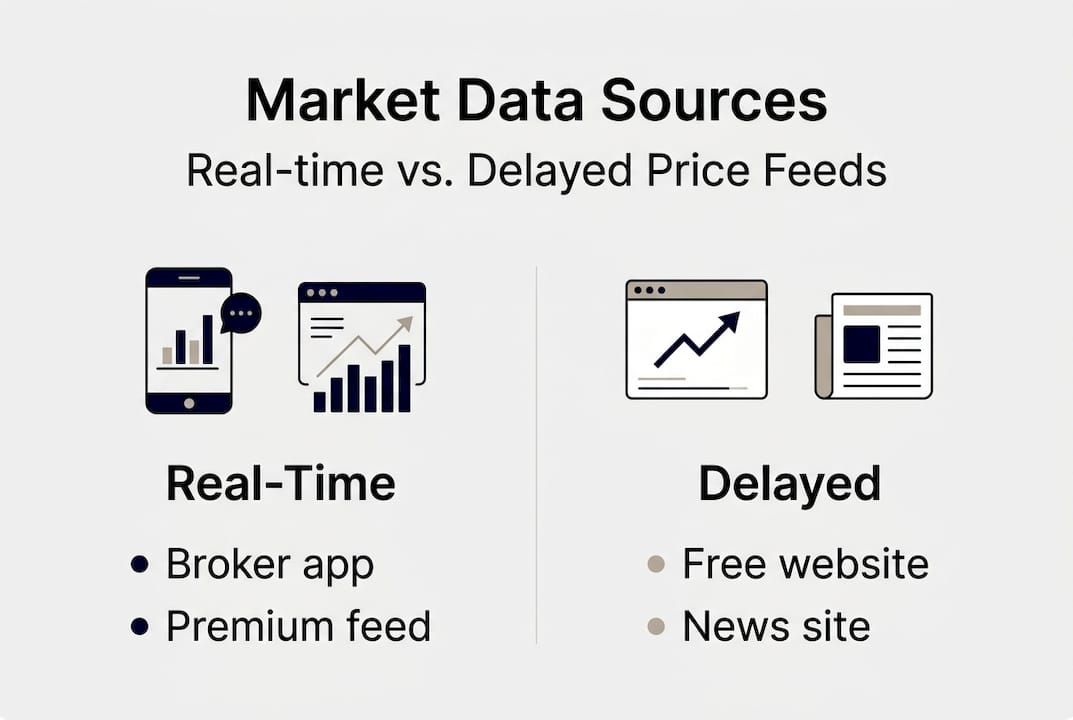
Here’s a quick comparison of common data source types:
| Source type | Data speed | Alert capability | Cost |
|---|---|---|---|
| Broker platform | Real-time | Basic price alerts | Free with account |
| Dedicated market app | Real-time | Advanced triggers | Free or paid tier |
| Financial news sites | 15-min delay | None or limited | Usually free |
| Data aggregator | Real-time | Multi-channel alerts | Varies |
Tools for multi-market coverage
If you follow more than one asset class, you need a platform that handles all of them without forcing you to switch between apps. The best setups let you watch stocks, crypto, forex, and commodities from a single dashboard. Setting up price alerts across multiple markets from one interface saves time and reduces the risk of missing moves in markets you’re not actively watching.
Here’s what a solid live tracking setup should include:
- Real-time price feeds for every market you follow
- Customizable watchlists organized by asset class or strategy
- Multi-channel alert delivery including app push, SMS, and email
- Technical indicator overlays so you can track RSI, moving averages, and volume alongside price
- Mobile access so you’re never tied to a desk
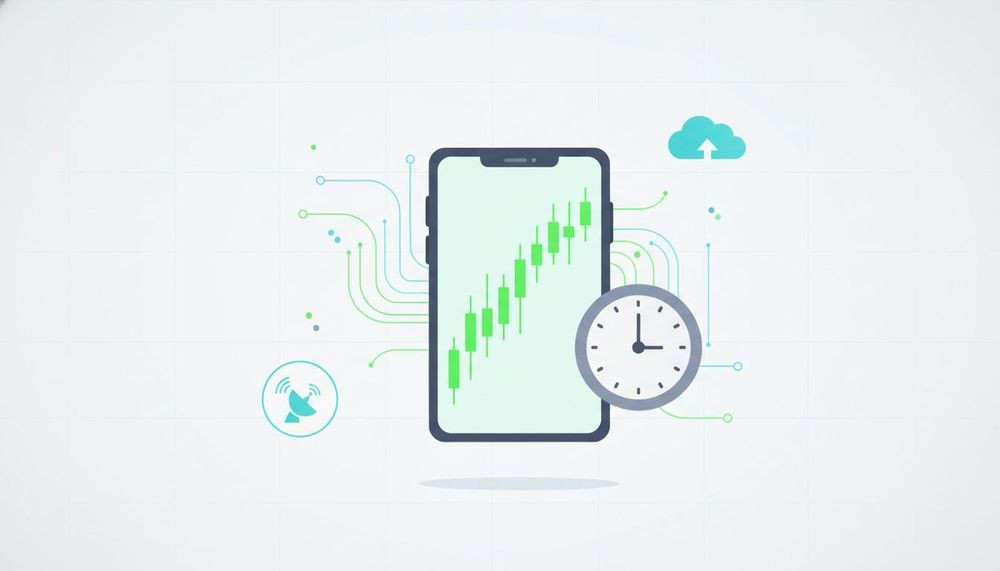
Alerts via apps like Stock Alarm and TradingView are considered critical for actionable market monitoring, especially when you can’t watch screens continuously.

Step-by-step: Setting up live price tracking and alerts
Once you have the right tools, it’s time to put them into action. The setup process is straightforward, but the details in each step determine whether your alerts actually help you trade better.
- Select your markets and platform. Decide which asset classes you want to monitor: stocks, crypto, forex, commodities, or indices. Then choose a platform that covers all of them with real-time data. Avoid platforms that only specialize in one market if your portfolio is diversified.
- Build your watchlist. Add the specific assets you want to track. Organize them by priority or strategy so your most important positions are visible at a glance.
- Initiate live price tracking. Enable real-time data streams within the platform. Some apps require you to confirm real-time access or connect a brokerage account to unlock live feeds.
- Configure your alert triggers. This is where most traders either get it right or waste their setup entirely. Apps like Stock Alarm and TradingView allow trigger-based alerts including price thresholds, volume spikes, and technical indicators like moving averages and RSI.
- Set your notification delivery method. Choose how you want to receive alerts. Options typically include app push notifications, SMS, phone calls, email, or webhook integrations. Match the urgency of each alert to the right channel.
- Test your triggers before going live. Set a test alert at a price level likely to be hit soon, then confirm you receive it promptly. This step is skipped constantly and causes real problems.
For a broader look at how to build a monitoring workflow around these steps, the market monitoring guide provides a useful framework. You can also explore trading indicators explained if you want to go deeper on RSI, moving averages, and volume-based triggers.
Alert type comparison
| Alert type | Best use case | Risk of overuse |
|---|---|---|
| Price threshold | Entry and exit points | High if set too tight |
| Volume spike | Breakout confirmation | Medium |
| RSI overbought/oversold | Momentum reversals | Low if calibrated well |
| Moving average cross | Trend change signals | Low |
Pro Tip: Start with no more than three to five alerts per asset. Too many triggers create noise that leads to poor decisions. You can always add more once you understand your own reaction patterns.
Avoiding common pitfalls and mistakes
Following setup, traders need to stay aware of the potential traps and mistakes that can limit effectiveness. Even a well-configured system fails when these errors creep in.
Relying on delayed data
Free platforms with 15-minute delays are fine for casual research, but they’re dangerous for active trading. A price you see on a delayed feed may already be 2% away from where the market actually is. Always confirm whether your data source is truly real-time before acting on it.
Ignoring alert customization
Default alert settings rarely match your actual strategy. If you’re trading a volatile crypto asset, a 1% price move might be meaningless noise. For a slow-moving blue-chip stock, that same 1% could be significant. Customize every threshold to fit the asset’s typical behavior.
Alert fatigue: too many or too few
This is one of the most common problems traders face. Constant screen-watching is unrealistic, which is exactly why alerts exist. But flooding yourself with notifications creates a different problem: you start ignoring them. Strike a balance by setting alerts only for levels that would actually change your trading decision.
Here’s what to watch out for:
- Too many alerts on assets you’re not actively trading
- Alerts set too close to current price, triggering constantly without meaning
- No alerts at all on positions you’re holding overnight or over weekends
- Single-channel delivery that fails if your phone is off or SMS is delayed
- Outdated triggers that no longer reflect your current strategy
“The goal isn’t to be notified about everything. It’s to be notified about the right things at the right time.”
Pro Tip: Review your active alerts every week. Delete any that haven’t been useful and recalibrate thresholds based on recent price action. Understanding market fluctuation methods can help you set smarter thresholds based on actual volatility patterns.
Not verifying triggers before trading
An alert tells you something happened. It doesn’t tell you whether you should act. Always cross-reference an alert against at least one other data point before executing a trade. A price spike on low volume is very different from the same move on high volume.
Verifying alerts and adjusting your strategy
To close out your workflow, learn how to ensure your system is working and adapt for improvement. A live tracking setup that isn’t regularly tested and refined will quietly degrade over time.
- Test alert timing weekly. Set a trigger at a level you expect to be hit, then record how quickly you receive the notification. Compare this across different channels (push vs. SMS vs. email) to know which is fastest for you.
- Cross-reference against multiple sources. When an alert fires, check the price on at least two platforms before acting. This catches data errors and confirms the move is real.
- Log your alert-driven trades. Keep a simple record of every trade you make following an alert. Note whether the alert was timely, whether the signal was accurate, and what the outcome was.
- Refine your criteria based on outcomes. If a particular alert type is consistently triggering false positives, adjust the threshold or remove it. Customizable app alerts enable decision-making without constant screen-watching, but only when the criteria are properly calibrated.
- Stay current with platform updates. Alert platforms add new features regularly. Check for updates that might offer better trigger types or faster delivery methods.
| Verification step | Frequency | What to look for |
|---|---|---|
| Alert timing test | Weekly | Delivery under 30 seconds |
| Source cross-check | Every alert | Price matches across platforms |
| Trade outcome review | Monthly | Alert accuracy and signal quality |
| Threshold recalibration | Monthly | Reduce false positives |
For more ideas on how to expand your monitoring toolkit, crypto alert alternatives offers a solid comparison of platforms. You can also browse market tracking solutions to see what live coverage looks like across different asset classes.
The often-overlooked reality of live market alerts
Having covered all the practical steps, let’s look at the deeper realities most guides miss. Here’s something worth sitting with: a perfectly configured alert system still doesn’t guarantee better trading outcomes. The alert gets you to the door. What you do next is entirely on you.
Most traders underestimate the human element. When an alert fires at 2 AM or during a stressful afternoon, your emotional state shapes your response more than your strategy does. Decision fatigue is real, and it compounds when you’re receiving dozens of notifications daily. The traders who perform best with alert systems are usually the ones who receive fewer, higher-quality signals and have a pre-defined response plan for each one.
There’s also a diminishing returns problem with over-monitoring. Watching live prices constantly doesn’t make you more informed. It makes you more reactive. The market’s short-term noise can pull you away from a sound strategy that just needs time to play out. Trusting your system means setting your alerts, stepping back, and letting the triggers do their job. For real-world alert strategies that reflect this balance, the focus is always on signal quality over speed.
Upgrade your trading with instant alerts and live prices
Ready to take your real-time trading to the next level? Here’s where to get started.
At Handy.markets, we’ve built a platform that puts live prices and smart alerts for every major market in one place. Whether you’re watching equities, crypto, or commodities, you can set free price alerts that deliver to Telegram, Discord, Slack, SMS, email, or webhook in seconds.
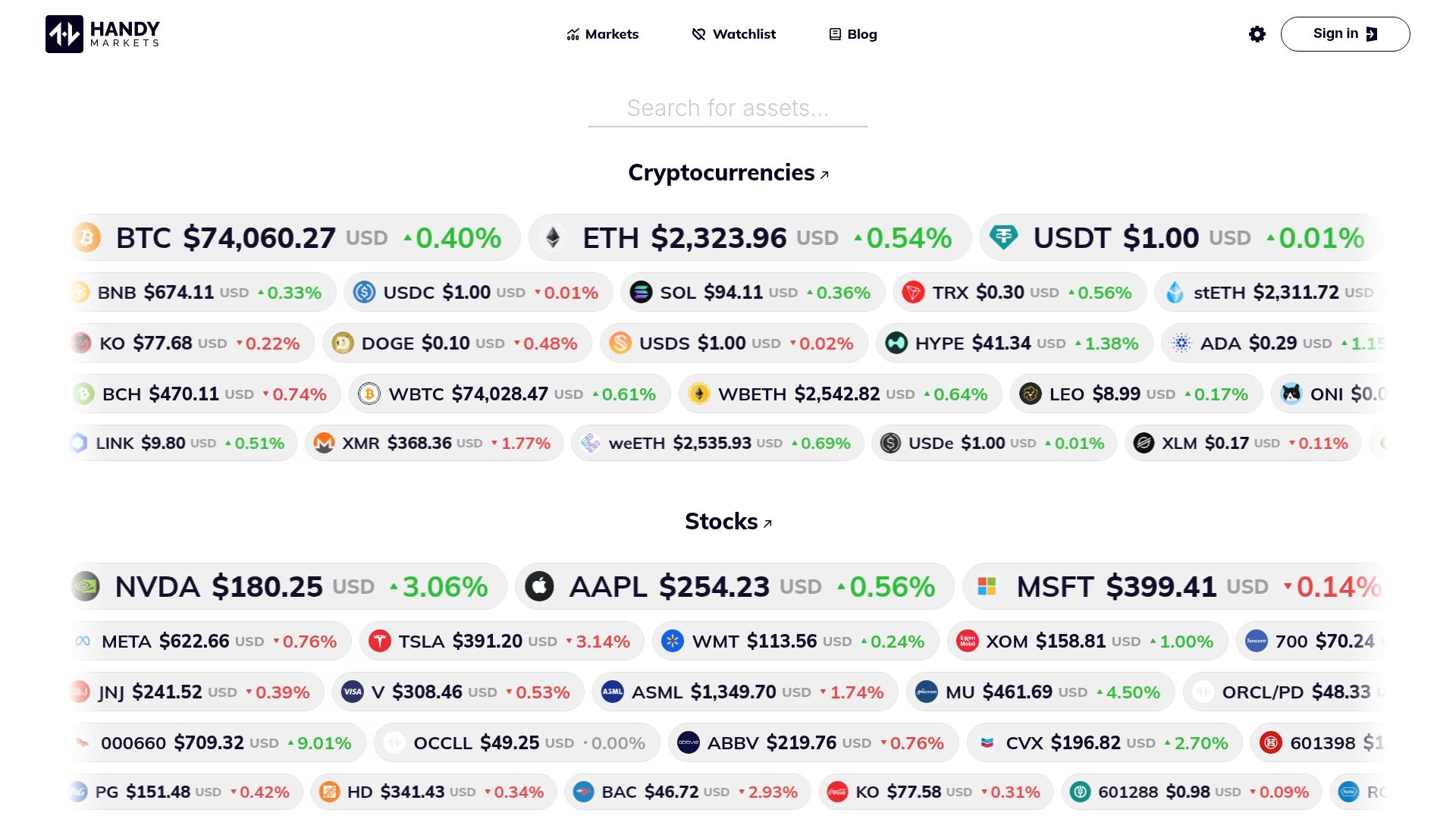
You can track multiple markets simultaneously from a single dashboard, and for those focused on digital assets, our crypto live prices page gives you real-time data on hundreds of coins. No delays, no clutter, just the information you need to make faster, more confident decisions.
FAQ
What is the fastest way to get notified about market price changes?
The fastest method is app-based push notifications, which fire the moment your price trigger is crossed. Stock Alarm and TradingView send immediate notifications with minimal latency compared to SMS or email.
Can I track multiple markets (stocks, crypto, forex) live at once?
Yes, many platforms let you monitor several asset classes simultaneously with integrated live price feeds and alerts. Apps covering stocks, crypto, forex, indices, and more make multi-market tracking practical from a single interface.
How do alert triggers like ‘price’, ‘volume’, or ‘RSI’ work?
Each trigger type fires only when your chosen threshold is crossed, so you act on meaningful moves rather than noise. Stock Alarm’s MA, RSI, price, and volume triggers let you build a layered signal system tailored to your strategy.
Do real-time alerts guarantee better trading outcomes?
They improve your response time significantly, but they don’t guarantee profits. Strategy, discipline, and a clear plan for each alert scenario are still the deciding factors.
Is it possible to reduce alert fatigue while tracking markets?
Absolutely. Customizing alert thresholds and removing low-value triggers keeps your notifications focused on what actually matters to your trading plan.
Recommended
- Market Monitoring Guide: Real-Time Alerts For Traders | Handy.Markets
- Real-Time Market Data Guide For Traders And Investors 2026 | Handy.Markets
- Market Fluctuation Analysis: Methods, Tools & Strategies | Handy.Markets
- Financial Markets: Track Crypto, Stocks, Forex, Indices, Commodities & ETFs Prices With Alerts | Handy.Markets